Drag and drop
Add videos or folders from Finder. The queue starts as soon as a channel is ready.
Upload long recordings without babysitting them. Drop camera chunks, rebuild the finished video, apply your defaults, and publish to the selected YouTube channel.
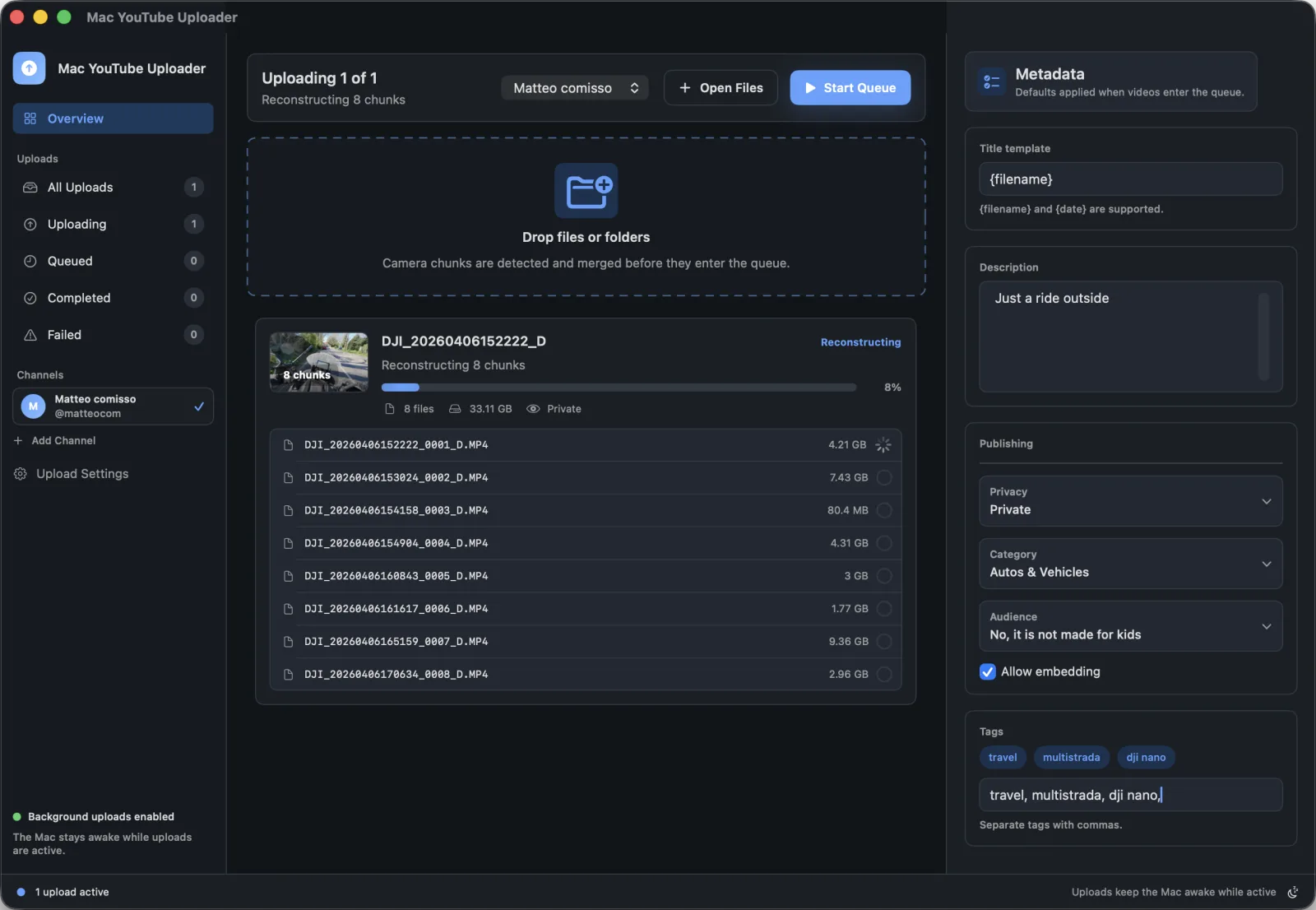
Designed for creators who want the upload step to disappear into the background.
Add videos or folders from Finder. The queue starts as soon as a channel is ready.
Sequential camera files are detected by filename patterns and capture timing.
The Mac stays awake while active uploads run, with progress visible in the queue.
Connect Google, select the target channel, and use those credentials for uploads.
Start with the workflow closest to your publishing job, then use the setup guide when you are ready.
Queue multiple videos or folders and reuse defaults for repeated publishing days.
View workflowRebuild supported sequential camera chunks before sending the finished video to YouTube.
View workflowSave reusable titles, descriptions, tags, privacy, category, and audience settings.
View workflowKeep progress visible while the Mac handles active YouTube upload work.
View workflow